
Guide · iPhone
Privacy browser for iPhone — tracker blocking and isolated Spaces
XBrowser is a privacy-focused browser built for iPhone. It blocks trackers and ads, keeps each Space’s cookies, cache, history, and bookmarks in a separate WebKit data store, and lets you lock a Space with Face ID, Touch ID, PIN, or pattern. Free includes up to 3 Spaces; Premium unlocks unlimited Spaces and Space Lock.
The problem on iPhone
Safari and many “privacy” apps share one browsing profile. Trackers still follow you across sites. If you share a phone, anyone who opens the browser can see open tabs, history, and logged-in accounts. Incognito helps for a single session, then everything disappears — it does not give you lasting, separate places to browse.
People looking for a privacy browser on iPhone usually want three things:
- Less tracking while they browse
- A clear boundary between personal and other accounts
- A way to lock sensitive browsing without wiping the phone
How XBrowser helps on iPhone
XBrowser is built around WebKit on iOS, so pages behave like a familiar mobile browser — with privacy controls layered on top.
Independent Spaces
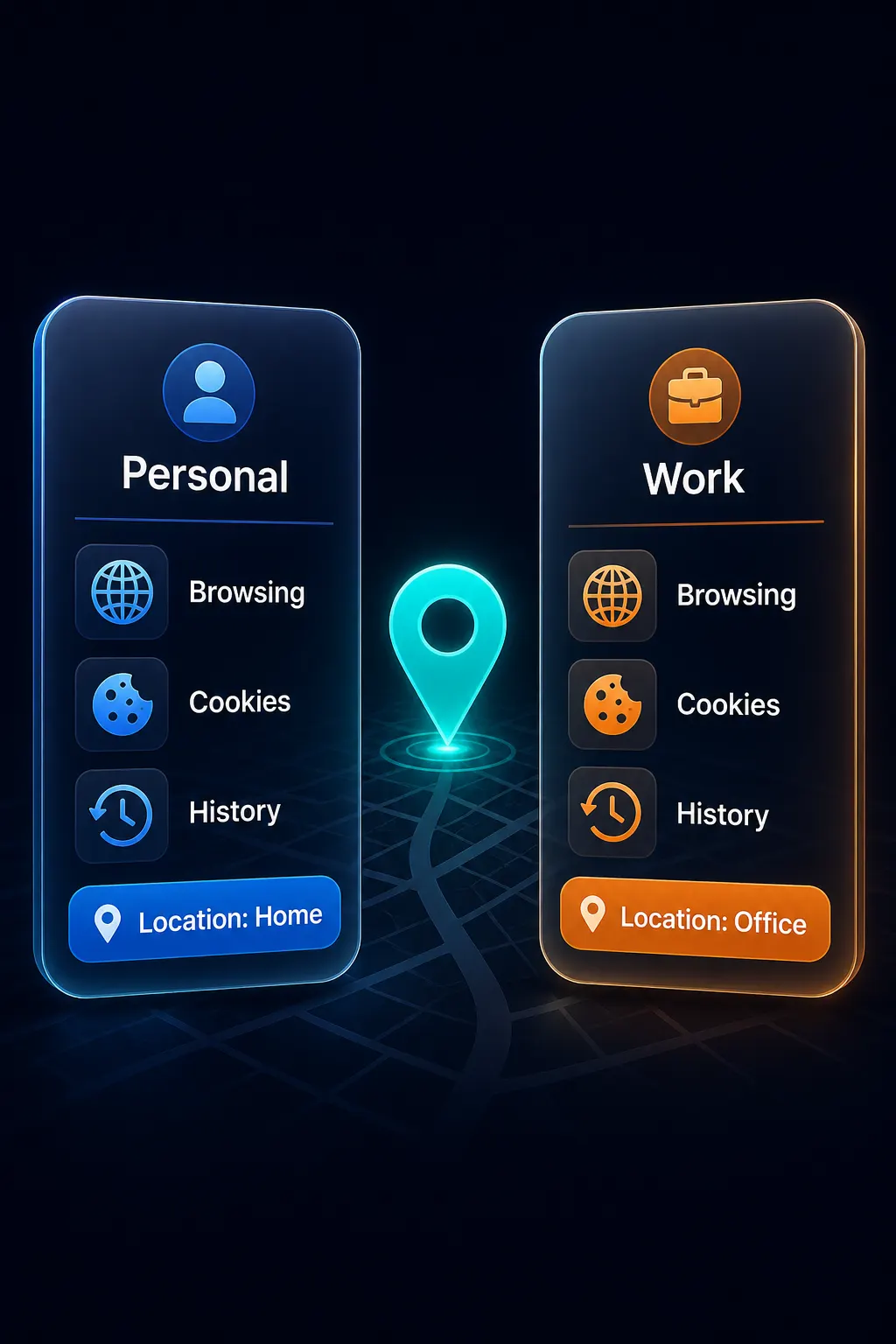
Each Space is its own sandbox: separate cookies, cache, history, and bookmarks via separate WebKit data stores. Work, personal, and a shared Space stay apart without logging out of everything. See multiple accounts in the browser.
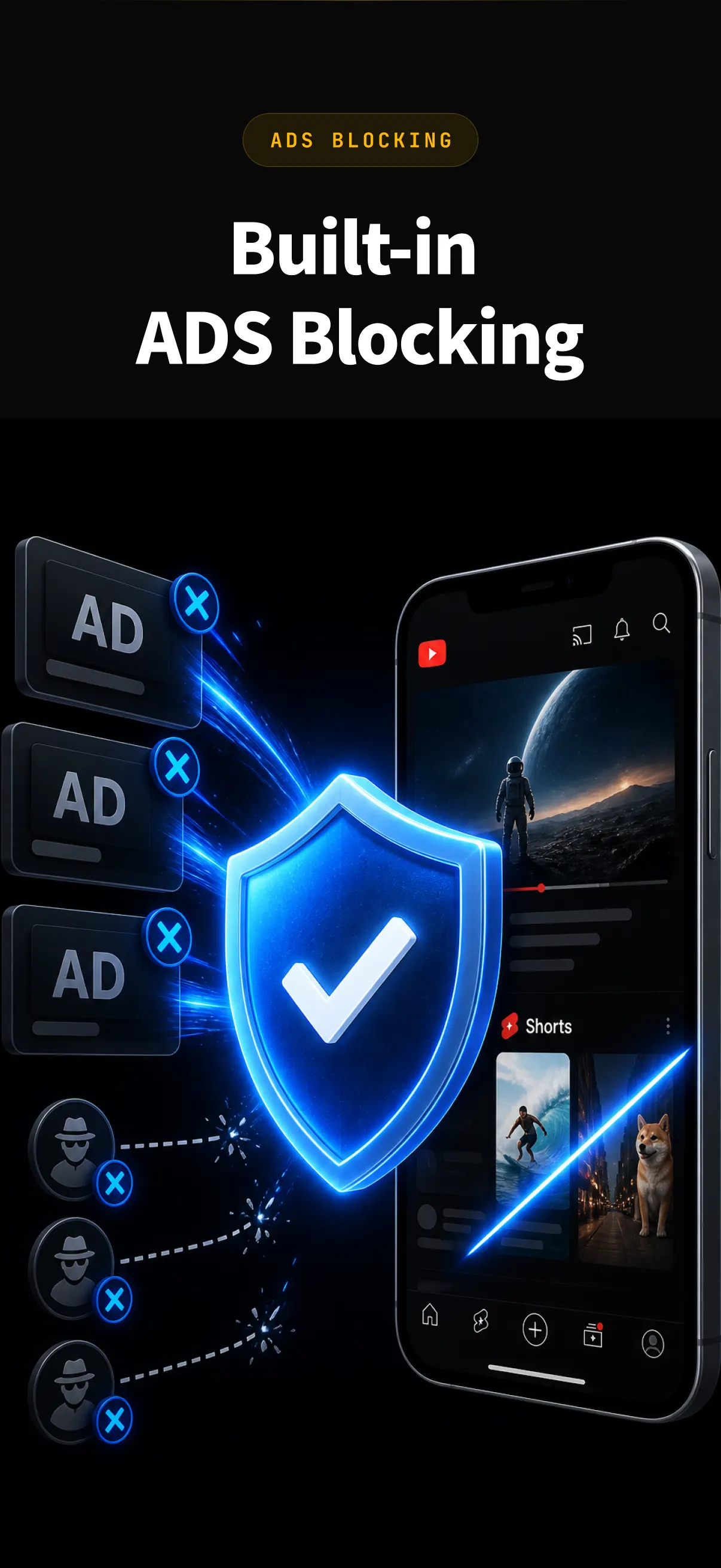
Tracker and ad blocking
Block common trackers and ads as you browse, so fewer third parties follow you from site to site. Details: Ad & tracker blocking.
Space Lock
Protect a Space with PIN, pattern, Face ID, or Touch ID. Unlock only what you need; leave the rest locked. Space Lock →
Second Lock (decoy)
Set a second lock that opens a decoy Space, so a casual peek does not reveal your main browsing. Second Lock →
Split View and built-in player
Open two Spaces side by side when you need to compare or multitask, and play media in the built-in player without leaving the browser.
Tracker blocking on iPhone
Tracker blocking reduces the scripts and requests that follow you across sites for ads and analytics. In XBrowser, blocking runs inside the browser as you browse — you do not need a separate system-wide VPN or filter app for this feature.
What tracker blocking does:
- Cuts many third-party trackers and ads on pages you open
- Keeps browsing cleaner and often faster on mobile data
- Works alongside Spaces, so each Space still has its own cookies and history
What it does not do: it does not hide your IP address or make you anonymous on the network.
Space Lock for shared phones
If someone else uses your iPhone, Space Lock keeps a Space behind Face ID, Touch ID, PIN, or pattern. You can leave a general Space unlocked for everyday use and lock the one with banking, work, or private accounts.
Second Lock adds a decoy: entering the secondary unlock opens a different Space, so the phone looks ordinary without exposing the locked one.
Space Lock is included with Premium. The free plan covers up to 3 Spaces without Space Lock.
Honest limits
XBrowser is a privacy browser with local isolation and blocking — not an anonymity tool.
- It does not change your IP address
- It does not claim anonymity
- It is not an antidetect or fingerprint-spoofing browser
If you need a different network path, use a VPN or similar tool separately. Spaces keep accounts and data stores apart on the device; they do not hide you from the sites you visit.
Who this is for
- iPhone users who want a privacy-focused browser with tracker blocking
- People who share a phone and want a locked Space for private accounts
- Anyone who prefers lasting sandboxes over one-off Incognito sessions
Free vs Premium
| Free | Premium | |
|---|---|---|
| Spaces | Up to 3 | Unlimited |
| Tracker / ad blocking | Yes | Yes |
| Space Lock (PIN / pattern / biometrics) | — | Yes |
| Second Lock, Split View, built-in player | Included in the app | Included in the app |
See Pricing for regional App Store details.
How XBrowser compares to popular privacy browsers on iPhone
On iOS, every browser uses WebKit. The differences are defaults, blocking, search, and whether you get lasting identity isolation. XBrowser focuses on tracker blocking plus Spaces you can lock—not VPN or anonymity claims.
| XBrowser | Brave | DuckDuckGo | Safari (+ blocker) | Aloha | |
|---|---|---|---|---|---|
| Built-in ad & tracker blocking | Yes (best-effort) | Strong defaults | Strong, simple | Via content blockers | Yes |
| Privacy-friendly search options | Yes (e.g. DuckDuckGo) | Brave Search | DuckDuckGo default | User choice | User choice |
| Persistent multi-account Spaces | Yes — core | Profiles differ | No | Profiles differ | No |
| Split View with two Spaces | Yes | — | — | — | — |
| Lock one identity (Space Lock) | Yes (Premium) | App lock style differs | Fire clears data | Private tabs + Face ID | App-oriented |
| Decoy / Second Lock | Yes | — | — | — | — |
| One-tap erase browsing data | Yes | Partial | Fire Button | Clear History & Data | Varies |
| On-page privacy report | Yes | Shields | Site grade | Limited | Varies |
| Built-in VPN | No | Paid optional | Privacy Pro (regions) | iCloud Private Relay | Built-in focus |
| Claims anonymity / changes IP | No | VPN separate | VPN separate | Relay optional | Varies |
| In-app ad monetization | No | Rewards model differs | Minimal | N/A | Freemium |
Comparison is simplified for iPhone. Features change by version and region. XBrowser does not change your IP and is not an antidetect browser.
Keep identities apart with Spaces, reduce trackers while you browse, and lock what matters—without pretending to be a VPN.
Download on the App Store · How Spaces work · Privacy browser for iPhone
FAQ
Is XBrowser a privacy browser for iPhone?
Yes. It is built for iOS with WebKit, tracker and ad blocking, and Spaces that isolate cookies, cache, history, and bookmarks. You can lock Spaces with Face ID or Touch ID on Premium.
Does XBrowser block trackers on iPhone?
Yes. Tracker and ad blocking run in the browser as you browse. It reduces many third-party trackers; it does not change your IP or make browsing anonymous.
How is this different from Safari Private Browsing?
Private Browsing clears when you close the window. XBrowser Spaces persist: each Space keeps its own data store until you clear or delete it, so you can stay signed in across multiple accounts without mixing them.
Does XBrowser hide my IP or make me anonymous?
No. XBrowser does not change your IP and does not claim anonymity. For network-level privacy, use a VPN or similar tool alongside the browser if you need it.
Is XBrowser free?
Yes for up to 3 Spaces. Premium adds unlimited Spaces and Space Lock.
Get started on iPhone
Download XBrowser, start with free Spaces, turn on tracker blocking, and add Space Lock if you need locked accounts.