
A decoy unlock, not a second app
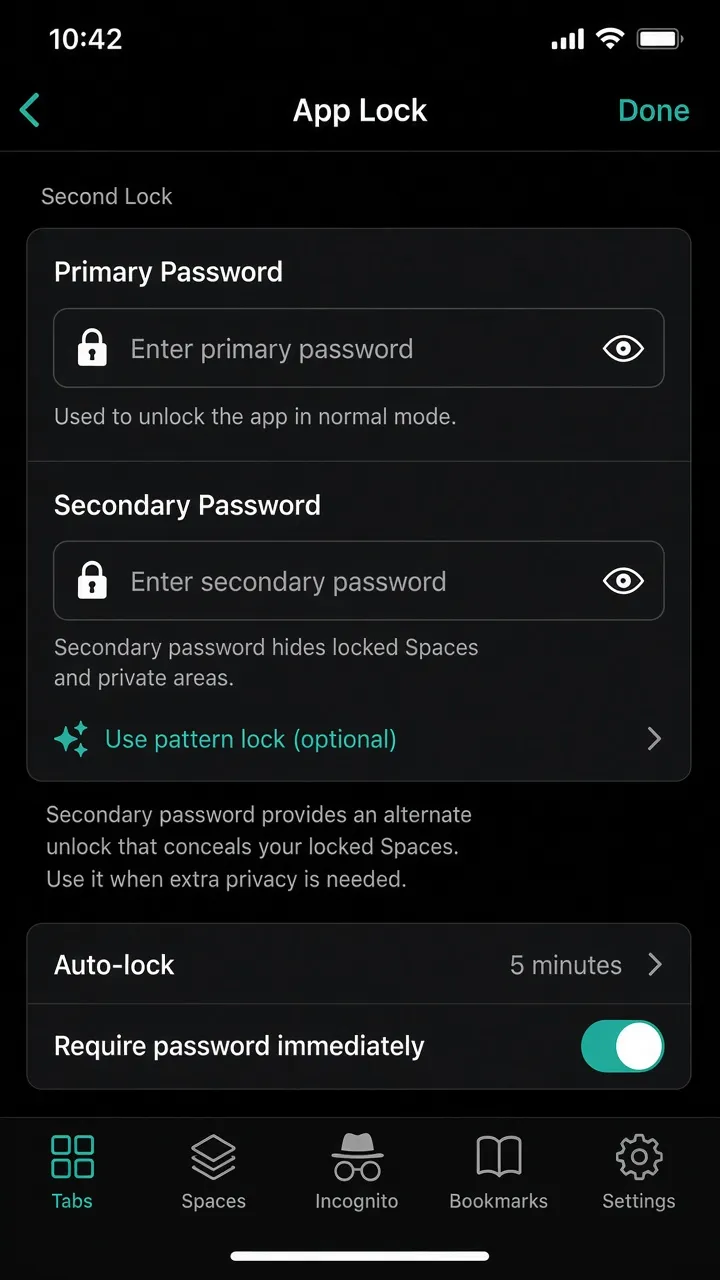
Turn on App Lock first, then enable Second Lock with the same method (PIN or pattern) but a different code. Hand someone the secondary code under pressure—the app looks normal, while protected Spaces never appear.
Also in XBrowser · Hidden protection
Set a second App Lock code that differs from your primary PIN or pattern. Unlocking with it opens a decoy session—every locked Space and lock-related entry point stays hidden.
Turn on App Lock first, then enable Second Lock with the same method (PIN or pattern) but a different code. Hand someone the secondary code under pressure—the app looks normal, while protected Spaces never appear.
In a Second Lock session, locked Spaces are removed from the switcher and cannot stay on screen. Lock feature entry points (including Second Lock settings) stay hidden too—so the decoy session does not advertise that protection exists.
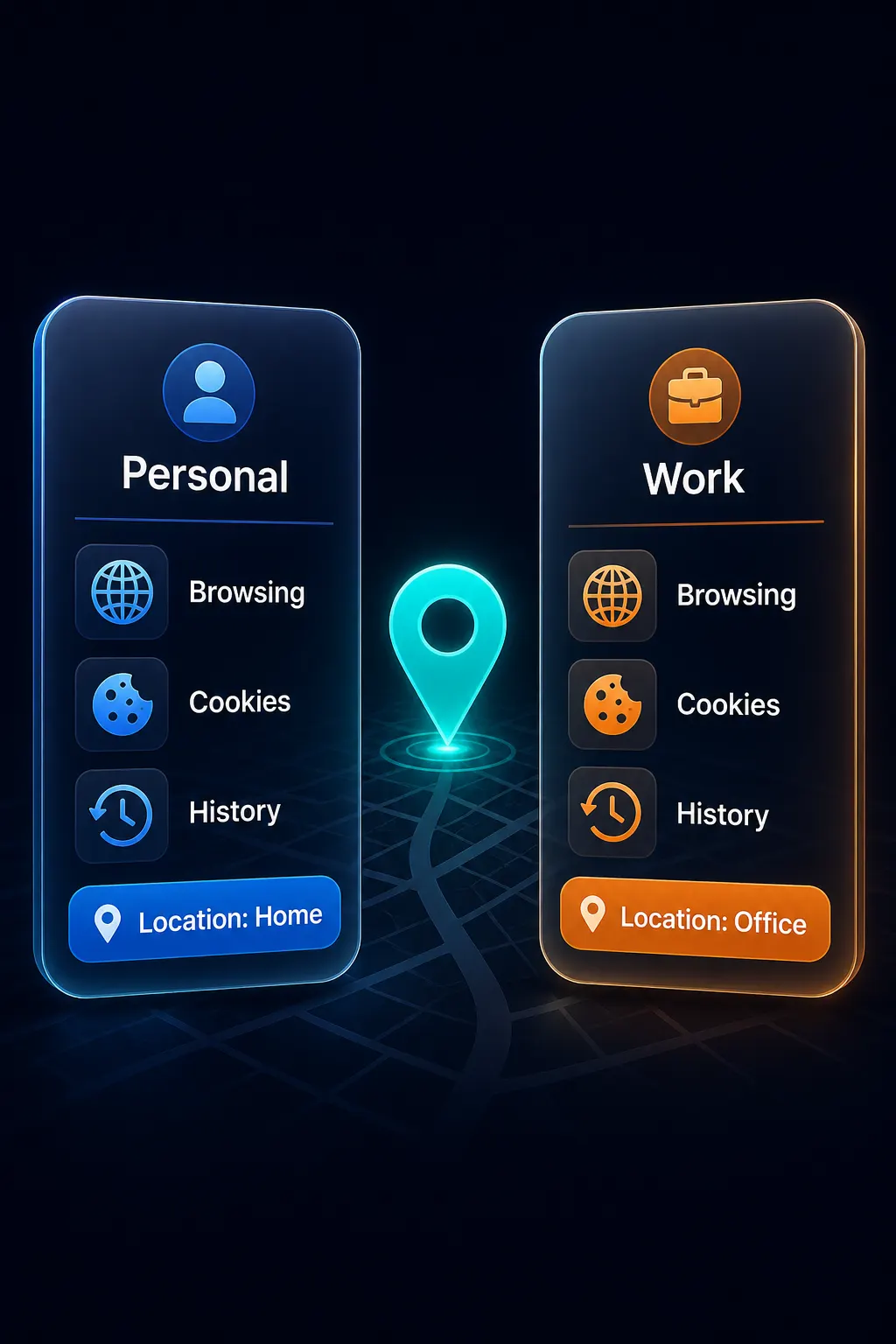
Lock sensitive Spaces with PIN, pattern, or biometrics. Those Spaces only show when you unlock with your primary App Lock code.
Space Lock →Isolation starts with zero-trust Spaces. Second Lock is the discreet layer on top when you need deniability.
Multi-account sandbox →Yes—in practice it is a secondary unlock code (PIN or pattern) for App Lock. Unlocking with it starts a decoy session instead of full access.
Biometrics unlock into the primary session. Second Lock is entered as the alternate PIN or pattern on the lock screen.
App Lock must be on with a 4-digit PIN or pattern first. Second Lock must use the same method but a different code.
Primary code for you. Secondary code for everyone else—locked Spaces stay invisible.
Download on the App Store