
The pain
One Safari profile blends work docs with personal tabs and history.
How XBrowser solves it
Work Space + Personal Space. Switch with the chip when context changes.
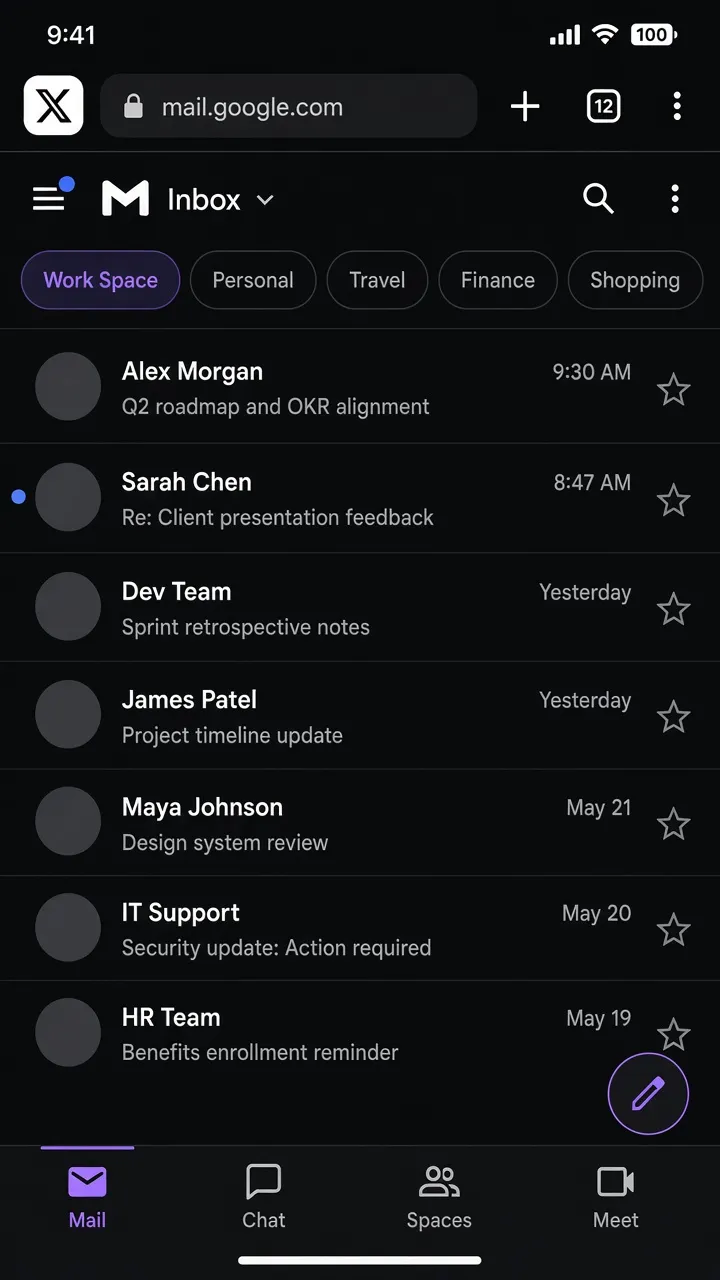
Work vs Personal
Search intent: separate work and personal browsing on iphone
Split work and personal browsing on iPhone with XBrowser Spaces—separate cookies, history, and home.
One Safari profile blends work docs with personal tabs and history.
Work Space + Personal Space. Switch with the chip when context changes.
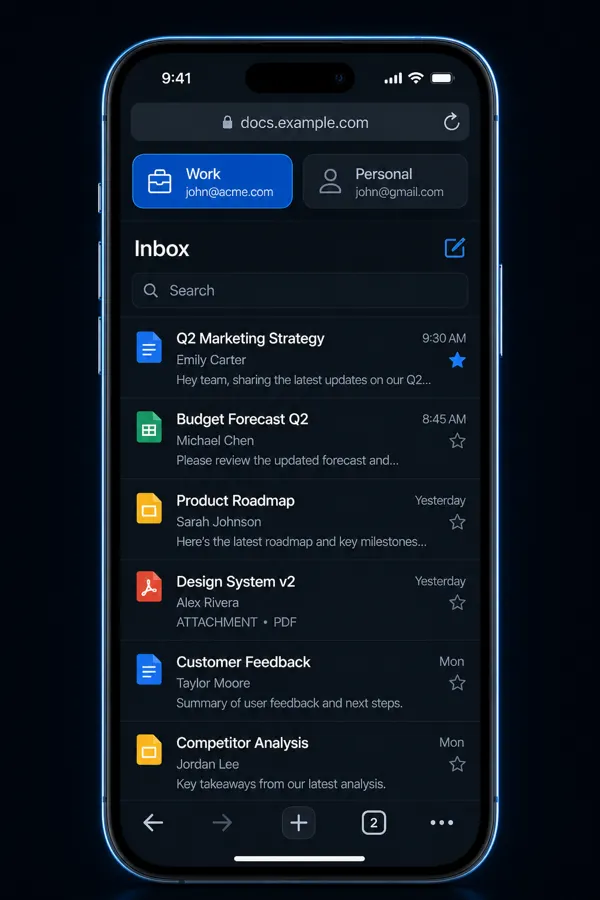
Screen recording: Personal vs Work Space switch with different homes.
Replace this block with an embedded MP4 / YouTube / App Store preview when ready.
Spaces isolate cookies and local libraries on your device. They do not change your IP or bypass platform rules. Use XBrowser to avoid mix-ups—not to violate site terms.
Privacy browser + independent multi-account Spaces. Free includes up to 3 Spaces.
Download on the App Store