
The pain
X’s built-in account switcher still fights with single-browser cookie jars when you live in the web client.
How XBrowser solves it
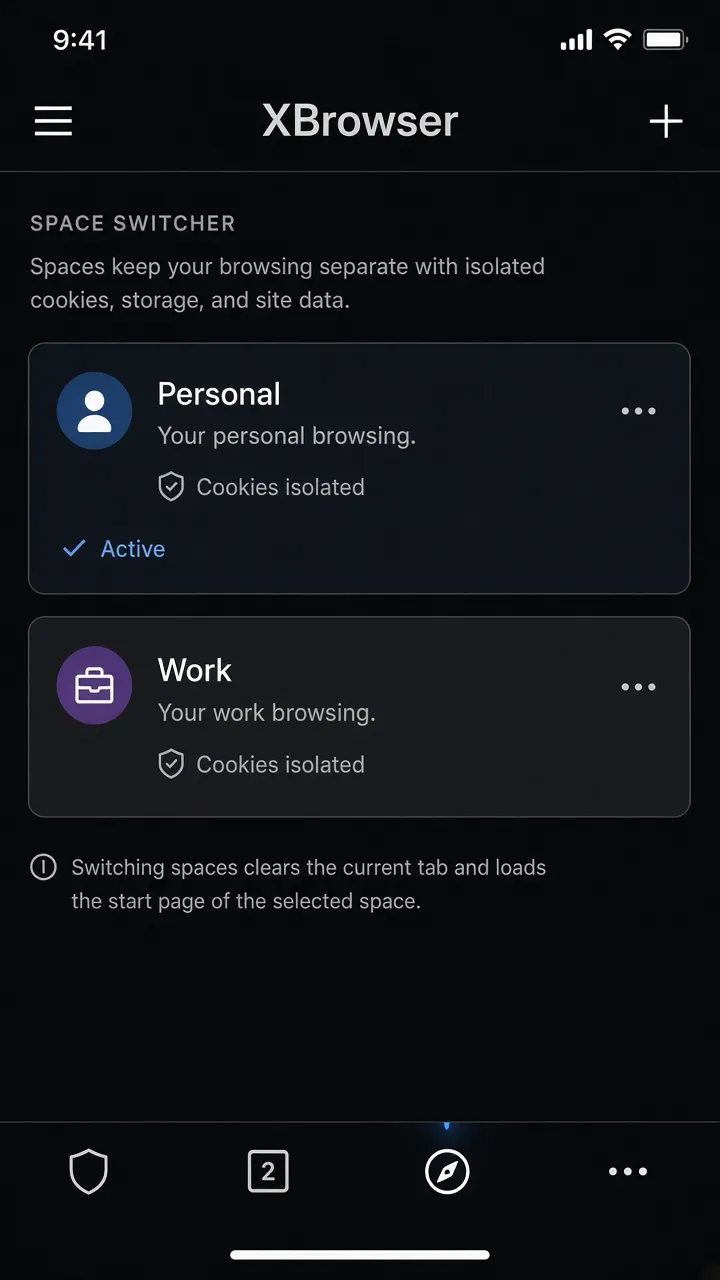
Space-per-account isolation so Personal and Brand X stay signed in together.
Social Media & Messaging
Search intent: how to use multiple twitter (X) accounts at the same time
Run several X web logins simultaneously on iPhone with isolated Spaces—no constant account switching logout.
X’s built-in account switcher still fights with single-browser cookie jars when you live in the web client.
Space-per-account isolation so Personal and Brand X stay signed in together.

Screen recording: two x.com sessions in two Spaces + optional Split View.
Replace this block with an embedded MP4 / YouTube / App Store preview when ready.
See the blog guide: /blog/x-twitter-web-in-browser/
Spaces isolate cookies and local libraries on your device. They do not change your IP or bypass platform rules. Use XBrowser to avoid mix-ups—not to violate site terms.
Privacy browser + independent multi-account Spaces. Free includes up to 3 Spaces.
Download on the App Store