
The pain
Seller Central in a shared browser profile risks wrong-account actions and session clobbering.
How XBrowser solves it
Independent Space per seller login + lock sensitive Spaces. Clear separation on-device.
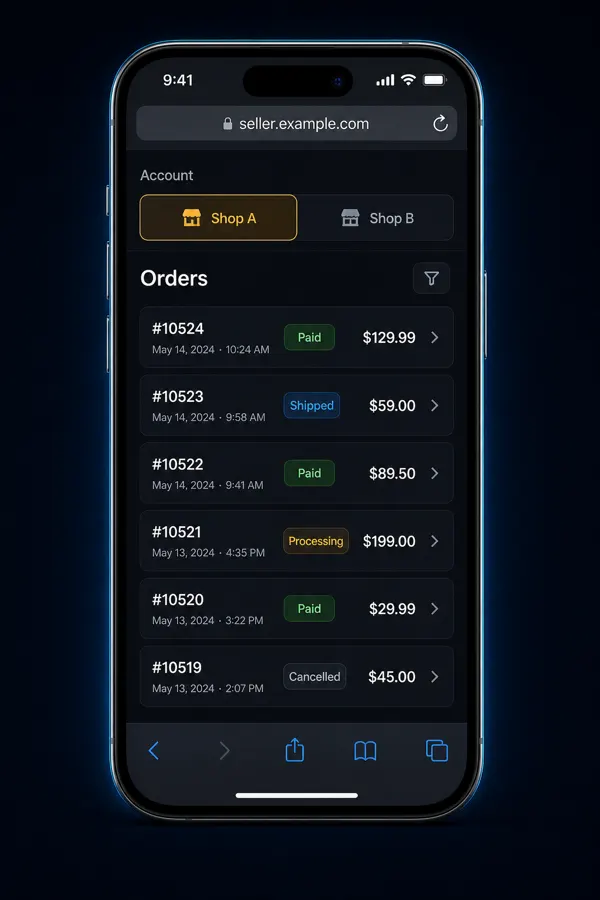
E-commerce & Sellers
Search intent: manage multiple amazon seller accounts on iphone safely
Keep Amazon Seller Central logins isolated on iPhone with XBrowser Spaces and optional Space Lock.
Seller Central in a shared browser profile risks wrong-account actions and session clobbering.
Independent Space per seller login + lock sensitive Spaces. Clear separation on-device.
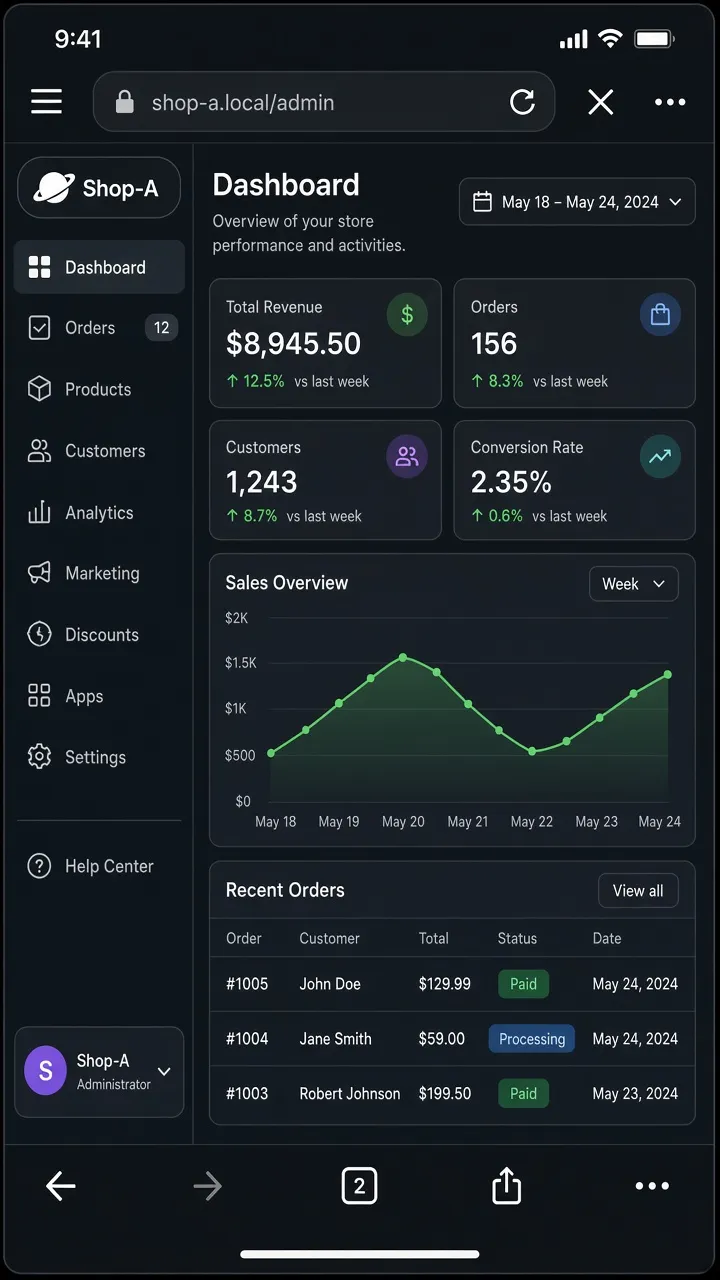
Screen recording: two Seller Central Spaces + Space Lock prompt.
Replace this block with an embedded MP4 / YouTube / App Store preview when ready.
XBrowser reduces local mix-ups. Account eligibility and Amazon policies are your responsibility—Spaces are not a ToS bypass.
Spaces isolate cookies and local libraries on your device. They do not change your IP or bypass platform rules. Use XBrowser to avoid mix-ups—not to violate site terms.
Privacy browser + independent multi-account Spaces. Free includes up to 3 Spaces.
Download on the App Store